
AI has crossed a threshold in video post-production. It is no longer a novelty button tucked inside a menu—it is production infrastructure. The editors gaining the most ground in 2026 are not the ones using the most AI tools; they are the ones who have identified exactly where AI removes friction and built repeatable systems around those moments. This guide maps those moments stage by stage, from ingest through final delivery, so you can build a tighter, faster workflow without losing creative control.
Why 2026 Is a Different Conversation
The shift happened quickly. AI within traditional editors like Adobe Premiere Pro and DaVinci Resolve moved from gimmick territory into genuine workflow acceleration. A new category of workflow intelligence tools—led by platforms like Descript and OpusClip—began handling the most time-consuming parts of post-production automatically. The result: professional editors now report editing time per minute of finished video dropping by 60–80%, with a five-minute talking-head piece that once took four to six hours in 2022 now taking thirty to sixty minutes in a modern AI editor. The time that remains is judgment work—which moments to keep, how to pace the cut—not mechanical work.
That last point matters. AI does not replace editorial instinct. It clears the runway so editorial instinct can land faster.
Stage 1: Ingest and Rough Organization
Let AI Handle the Clip Triage
The first hour of any edit used to disappear into logging bins and scrubbing through bad takes. Scene-detection AI now tags footage automatically by content type—interview, B-roll, action—dramatically compressing that initial sort. Adobe’s 2026 Premiere Pro updates include AI-powered scene edit detection and predictive clip sequencing, features that surface the clips you are most likely to need next based on your current sequence. For editors working in DaVinci Resolve, the free version already handles scene cut detection natively, and Resolve Studio adds AI-powered speed warp and super-scale for upscaling lower-resolution material.
Transcript-First Logging for Dialogue Content
If your project contains interviews, testimonials, or any talking-head footage, run it through a transcription tool before you touch the timeline. Descript invented text-based video editing and remains the most mature standalone tool for this task. The workflow is literal: delete a line of text and the corresponding video clip disappears. Its Underlord assistant extends this into multi-step conversational edits, and Studio Sound handles audio cleanup that other editors would send to a separate tool. For a fast first pass on a thirty-minute interview, this single step can halve the time to a rough cut.
Stage 2: Assembly and Dialogue Editing
Filler Word and Silence Removal
Manually hunting “ums,” “uhs,” and dead air is the most mechanical task in interview editing. Every major AI editor now handles this automatically. In Premiere Pro, the AI trim mode introduced in early 2026 removes pauses and filler words from interview footage without requiring manual in-and-out points. Descript does the same through its transcript view. Either approach delivers a dramatically tighter rough cut before you have made a single creative decision.
Object Masking and Generative Extend
Two Premiere Pro AI features worth adding to your standard assembly pass: the AI-powered Object Mask, which tracks complex moving subjects with a hover-and-click interaction and redesigned shape masks that track up to 20× faster than previous versions, and Generative Extend, which uses Adobe Firefly to stretch a clip by a few frames when an edit point feels awkward—no reshoot required. Both tools eliminate small problems that used to require workarounds or additional shooting days.
Stage 3: B-Roll and Gap Filling
AI-Generated B-Roll as a Production Asset
One of the most practical shifts in 2026 is the maturity of text-to-video B-roll generation. Tools like Runway Gen-4 and Google Veo 3 now produce footage that holds up in real deliverables. Veo 3 in particular offers cinematic, detailed visual output with context-aware audio that syncs impressively with the visuals—useful when you need a specific environment or abstract concept you simply cannot film. Runway’s strength is camera motion: smooth, deliberate shots with upscaling, restyling, and workflow chaining for more complex sequences.
The practical rule: use generated B-roll to fill conceptual gaps, not to replace real footage where authenticity matters. For corporate testimonials, healthcare explainers, or brand documentaries—content where Tone Production regularly operates—real footage anchors the piece. AI B-roll fills the space around it. Teams working on projects in markets like Houston or Atlanta where tight client timelines are common will find AI B-roll especially useful for bridging gaps between shoot days without scheduling reshoots.
Stage 4: Color and Audio Finishing
AI Color Grading Acceleration
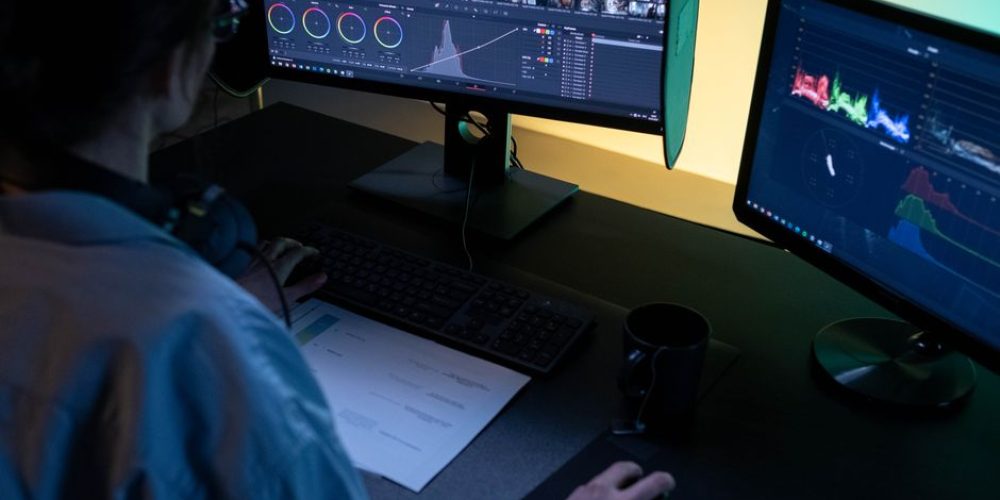
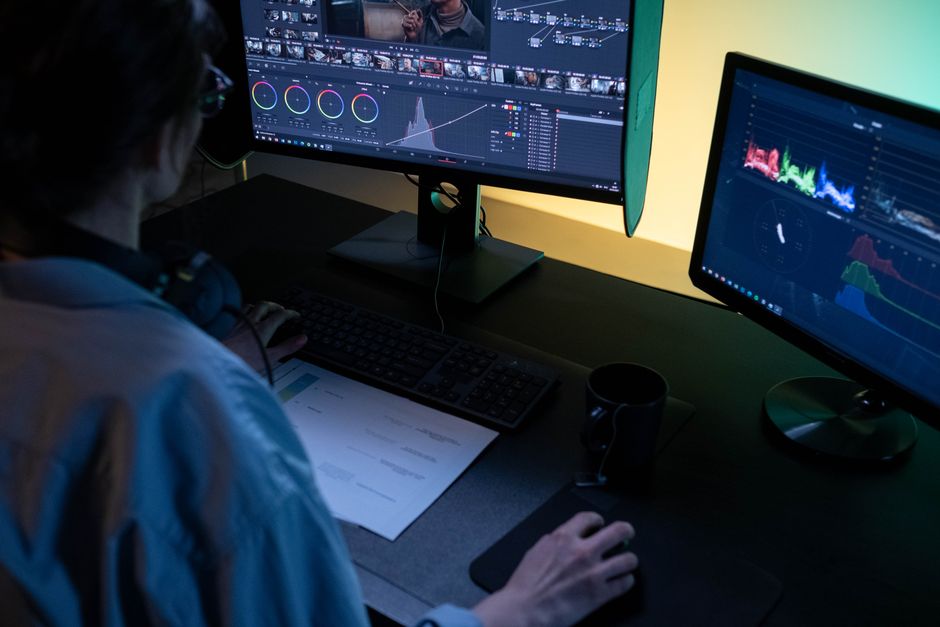
Color correction historically consumed significant post-production time. In 2026, AI color tools have compressed that dramatically. Modern systems analyze previous grading decisions and suggest similar looks for new footage, adapting adjustments for different lighting conditions while preserving skin tones. DaVinci Resolve Studio includes AI-powered color matching and Magic Mask for secondary corrections on specific subjects without manual rotoscoping. Premiere Pro’s AI color tools handle batch grading across multiple clips simultaneously. Industry benchmarks suggest color grading time reductions of up to 75% with these systems—though final color decisions still require a trained eye.
AI Audio Cleanup
Premiere Pro’s AI toolkit automates audio ducking—balancing dialogue against background music—and Descript’s Studio Sound feature removes noise, reverb, and background hum in a single pass. For productions where location audio was less than ideal, these tools frequently salvage takes that would previously have been unusable. DaVinci Resolve Studio includes Voice Isolation, which separates dialogue from ambient noise with precision that previously required dedicated audio workstations.
Stage 5: Captions, Accessibility, and Social Repurposing
Automated Captions That Actually Work
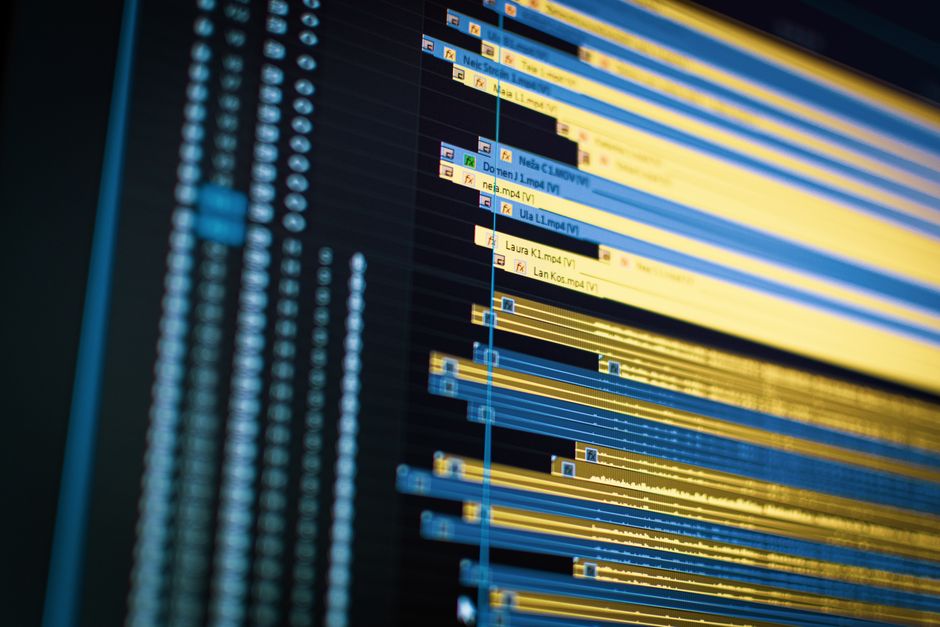
Speech-to-text caption generation inside Premiere Pro has matured to the point where it is reliable enough for a first pass with light review, rather than the heavy rework older bolted-on AI tools required. For teams managing multilingual deliverables, platforms like VEED offer 125-language subtitle translation with team collaboration tools built in—useful for any client with international distribution requirements.
Long-Form to Short-Form Repurposing
In 2026, a long-form recording is assumed to also become five to ten short clips. OpusClip understands video content at a semantic level—it can identify specific moments, actions, emotions, or characters and build clips around them. Its AI video editor also handles subject tracking and B-roll generation within the same tool. For editors delivering both a primary long-form piece and a suite of social shorts from the same session, building this repurposing step into the core workflow—rather than treating it as an afterthought—saves significant time. Clients from New Orleans to Tampa increasingly expect social-ready derivatives as part of every video package, making this step a standard deliverable rather than an add-on.
Building a Lean AI Stack: The Practical Principle
The most common mistake is tool accumulation. Editors chasing every new AI release end up with bloated, inconsistent workflows. The better approach: identify the three or four stages in your specific workflow where mechanical work is consuming the most time, then find one reliable tool for each. A professional daily stack might look like this:
- Descript — First-pass dialogue editing and filler-word removal on all talking-head content
- Adobe Premiere Pro (with Sensei / Firefly) — Timeline assembly, Object Mask, Generative Extend, color, and captions
- DaVinci Resolve Studio — Deep color finishing, Voice Isolation, and VFX work where needed ($295 one-time purchase)
- Runway or Google Veo 3 — AI B-roll generation for conceptual or gap-fill footage
- OpusClip or Descript — Short-form repurposing and social derivatives
Keep the stack tight. Every tool added is a context switch, a file transfer, and a potential quality inconsistency. AI in post-production is not about doing more things—it is about doing the same things faster so that the hours you spend are spent on decisions only a skilled editor can make.
Quality Control: Where Human Judgment Still Wins
AI-generated captions still misread proper nouns, industry terms, and accented speech. AI color matching still struggles with mixed lighting and extreme stylistic choices. AI B-roll still requires prompt refinement and selective use. Build a QC pass into every AI-assisted workflow: review auto-captions for accuracy, spot-check AI color grades against your reference monitor, and watch every generated B-roll clip before it hits the timeline. The speed gains AI provides are only valuable if the output holds up to professional standards—and that check still belongs to you.
If you would rather hand the entire post-production pipeline to an experienced team—one that already runs AI-enhanced workflows alongside an 8K RAW cinema process and full video-SEO deliverables—Tone Production and Benjamin Tone handle exactly that kind of end-to-end work. Whether you are based in Birmingham or Jacksonville, the option to hire a pro is always on the table.
Frequently Asked Questions
What is the best AI tool for editing interview footage in 2026?
Descript remains the strongest dedicated tool for interview and dialogue-heavy content. It lets you edit video by editing a transcript—delete a sentence and the clip disappears—and its Underlord assistant handles multi-step edits conversationally. For editors already working in Adobe Premiere Pro, the built-in AI trim mode (updated in early 2026) removes pauses and filler words automatically without leaving the NLE.
Can AI tools handle 8K RAW footage efficiently?
AI tools within professional NLEs like Premiere Pro and DaVinci Resolve Studio are designed to work with high-resolution footage, including 8K RAW. For color grading, DaVinci Resolve’s GPU-accelerated AI tools handle 8K timelines effectively. Lighter browser-based AI editors are better suited to proxy or compressed formats rather than RAW camera files.
Will AI replace video editors?
Not in any near-term professional context. AI automates mechanical tasks—transcription, filler-word removal, silence detection, batch color correction—but the editorial decisions that make a video work (story structure, pacing, emotional arc, brand alignment) still require human judgment. AI removes the repetitive work so editors can spend more time on those decisions.
How much time can AI tools actually save in post-production?
Time savings vary by content type, but editors working with dialogue-heavy content consistently report significant compression of first-pass edit time. Industry benchmarks suggest 60–80% reductions in editing time per finished minute are achievable with a well-built AI stack, with color grading seeing some of the largest individual gains.
Is DaVinci Resolve Studio worth buying for its AI features alone?
DaVinci Resolve Studio is a $295 one-time purchase that includes AI tools for color matching, Magic Mask for subject isolation, Voice Isolation, Smart Reframe, and speed warp—plus a full professional NLE, Fusion VFX, and Fairlight audio. For editors who want AI-assisted finishing without a subscription model, it offers strong overall value even before accounting for its non-AI capabilities.
What is the best AI tool for generating B-roll in 2026?
Google Veo 3 and Runway Gen-4 are the leading options for cinematic B-roll generation in 2026. Veo 3 excels at high-prompt-accuracy, visually detailed outputs with integrated audio. Runway’s strength is camera motion choreography and a creative ecosystem that includes upscaling, restyling, and workflow chaining. Both require prompt refinement and editorial selection before use in professional deliverables.
Should I use a dedicated AI editor or stick with Premiere Pro and Resolve?
For professional long-form and client work, Premiere Pro and DaVinci Resolve Studio remain the most reliable platforms because they offer full timeline control, professional export options, and well-integrated AI features. Dedicated AI editors like Descript or OpusClip are best used as upstream or downstream tools—for first-pass dialogue editing or social repurposing—rather than as replacements for your primary NLE.