
Music can transform a good video into a great one — but the wrong music choice can get your video muted, demonetized, or removed entirely. Video music licensing is one of the most misunderstood parts of the production workflow, and the consequences of getting it wrong go beyond an embarrassing claim notification. Your channel can be permanently removed if you receive three content strikes within 90 days. This guide cuts through the confusion so you can choose music confidently, protect your channel, and never lose revenue to an avoidable copyright mistake.
Claims vs. Strikes: Understanding the Difference
Most creators use the terms “claim” and “strike” interchangeably. They are not the same thing, and confusing them leads to bad decisions under pressure.
What Is a Content ID Claim?
YouTube copyright works through a system called Content ID, which automatically scans every uploaded video against a database of registered music, video, and audio assets. When a match is found, the rights holder can monetize your video (taking your ad revenue), restrict it, or block it entirely. This is called a copyright claim — it does not penalize your channel. It is, however, a very real financial hit: any ad revenue the video earns goes to the rights holder, not you.
What Is a Copyright Strike?
A copyright strike is different: it is a formal DMCA takedown that removes your video and marks your channel. Three strikes result in channel termination. You won’t be allowed to upload new videos, start a livestream, or upload new shorts for a week after the first formal strike. Strikes are issued when a rights holder actively submits a takedown request — not just when Content ID flags a match.
The Myths That Get Creators in Trouble
Two dangerous misconceptions circulate endlessly in creator communities:
- “I credited the artist in my description.” Providing credit in your video description does not automatically grant you permission to use the song. While crediting artists is very nice of you, this does not provide you with an actual license to use the song.
- “I wrote ‘no copyright infringement intended.'” Writing “no copyright infringement intended” or giving credit in your description does not protect you from a claim. You still need proper rights or licensing.
The Four Music Source Tiers
Every track you can legally use in a video falls into one of four tiers. Knowing which tier a track belongs to — before you edit it in — is the foundation of a safe music workflow.
Tier 1: Licensed Music Libraries (Subscription)
This is the gold standard for most professional video work. There are music platforms specifically designed for creators. Services like Artlist, Epidemic Sound, Soundstripe, and Musicbed offer massive libraries of high-quality tracks. These platforms pre-clear their catalogs with rights holders, meaning the Content ID system knows you are licensed and won’t redirect your revenue — provided you stay within the terms of your plan.
The critical caveat: even with paid platforms, read the fine print. Some licenses don’t cover all platforms (like TV or podcasts), and using a track outside the license terms could still get flagged. A social-media-only plan, for example, will not cover a broadcast television spot or a client deliverable played at a corporate event.
Tier 2: YouTube Audio Library
YouTube provides a free Audio Library of music and sound effects that you can use in monetized videos. These tracks are safe and specifically cleared for creators. However, even here, check for attribution requirements before publishing. Some tracks in the library require a credit line in your description — skipping it can still trigger a claim.
Tier 3: Creative Commons Music
Artists share Creative Commons music with specific conditions for reuse, typically requiring attribution. CC licenses come in several flavors — some allow commercial use, some do not. Always thoroughly check the specific license terms for any music you choose. Some Creative Commons tracks may restrict commercial use or require direct links back to the original creator. Using a non-commercial CC track in a branded client video is a licensing violation, regardless of attribution.
Tier 4: Direct Licensing and Custom Composition
If you really want a specific song, your best bet is to get direct permission from the copyright holder. This usually means contacting the artist, record label, or music publisher and asking for permission to use their song in your video. Be prepared to pay a licensing fee, which can vary depending on the popularity of the song and how you plan to use it.
For brands that want a truly unique sound, custom composition is the cleanest option. If you want something unique and 100% safe, consider hiring a composer or producer. Platforms like Fiverr or Upwork let you connect with musicians who can create custom music for your brand. This route gives you full ownership or exclusive rights, depending on the agreement.
Building a Copyright-Safe Music Workflow
Knowing your tiers is half the battle. The other half is building a production workflow that keeps your license documentation airtight, even months after a project wraps. A disciplined workflow matters whether you’re producing a single brand film or managing an ongoing video content program.
1. Match the License Scope to the Distribution Plan
Before you pull a single track, document where the finished video will live: YouTube channel, paid social ads, website embed, broadcast TV, trade-show loop, or all of the above. Your license must explicitly cover every distribution channel. A subscription plan sized for a personal channel is not adequate for a commercial client deliverable distributed across paid platforms.
2. Store License Receipts with Every Project File
Create a dedicated “Music Licenses” subfolder inside every project directory. Save the license confirmation email, the license PDF, and the receipt. If a copyright claim appears, most platforms allow you to dispute it with documentation. Without that documentation, a legitimate dispute becomes impossible to win. This is a habit every editor on a team needs to follow, not just the lead. If you collaborate with editors or marketers, ensure everyone understands proper licensing procedures to avoid accidental misuse.
3. Upload as Unlisted First on YouTube
Before publishing publicly, upload the finished video as unlisted and let Content ID scan it. When you upload a video, Content ID automatically scans it for copyright content. If any copyright material is detected, you’ll receive a notification so you can make the necessary changes before publishing your video and risking your account. Catching a flagged track in the unlisted stage costs you nothing. Catching it after a public launch costs you views, revenue, and client trust.
4. Audit Old Content Periodically
Music copyright enforcement continues to evolve. In 2025 and beyond, expect tighter integrations between rights holders, music libraries, and platforms. A track that was safe two years ago may now be registered in Content ID because a label acquired the catalog. Periodically review older videos for tracks that may now trigger copyright claims due to changes in music catalog ownership.
5. Know How to Dispute a Claim — and When Not To
If you believe a copyright claim is incorrect, you can dispute it through YouTube’s claim system. If YouTube approves your dispute, your video is clear. If not, consider cutting out the portion they flagged to avoid any copyright inconvenience in the future. If you believe the copyright strike was erroneous, you can file a counter notification in YouTube Studio. However, submitting a counter notification can be risky; it’s only a good idea if you’re certain you’re allowed to use the music and can back up that claim.
Music Selection as a Creative Decision, Not Just a Legal One
Great music choices are deliberate, not accidental. Before opening a music library, answer three questions: What emotion should the audience feel in the first ten seconds? Where does the energy of the video peak, and does the track support that moment? Does the instrumentation complement or compete with narration or dialogue?
These questions matter as much as the licensing tier. A perfectly licensed track that fights your interview audio will still undermine the video. The best production teams — whether working on a commercial brand film in Houston or a healthcare explainer in Atlanta — treat music selection as a creative brief item, not a last-minute edit-bay decision.
Think in stems or stems-compatible tracks when possible. A track with separate instrument stems lets your editor duck the full mix under dialogue and bring it up during B-roll — a level of control that a single stereo mixdown simply cannot provide. Many premium library platforms now include stems as part of a standard subscription.
Platform-Specific Considerations
Music licensing is not one-size-fits-all across platforms. For YouTube Shorts, creators can use a broader range of music as the platform has made multiple licensing deals with different music labels. TikTok and Instagram Reels operate under their own blanket licensing agreements for organic content — but those agreements do not extend to paid advertising on those same platforms. A track that works fine in an organic Reel may trigger issues the moment you boost it as an ad. Always verify ad-usage rights separately from organic-usage rights.
For professional client work distributed across multiple markets or used in broadcast, a blanket subscription is rarely sufficient. You will typically need a sync license and, for broadcast, a master-use license — two separate rights from two separate holders.
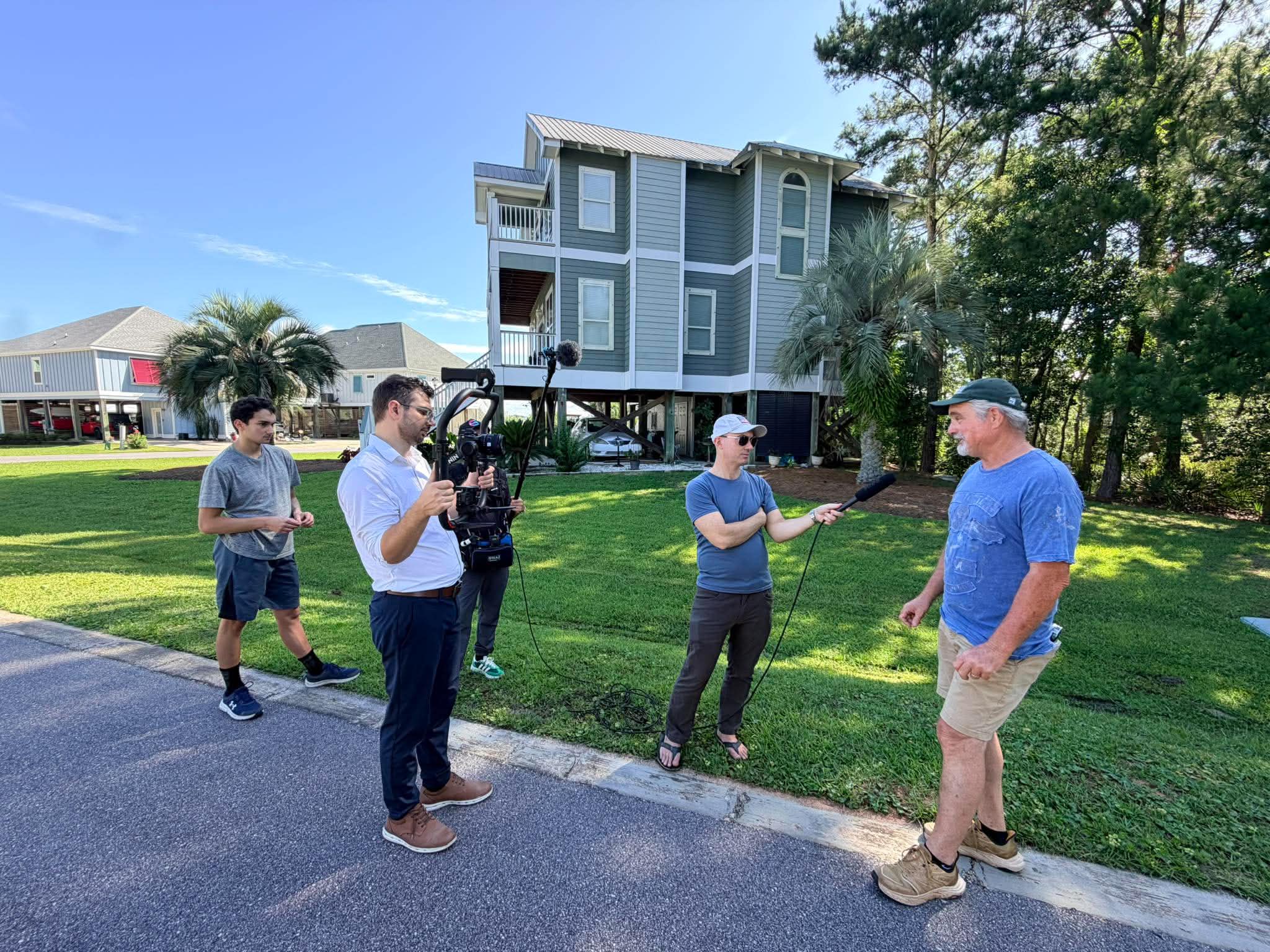
Music licensing is one of those production details that separates amateur work from professional deliverables. If you want a team that manages licensing, creative music direction, and every other post-production detail under one roof, Tone Production and founder Benjamin Tone handle the full workflow — so you get a polished, legally clean final product without the headache of managing it yourself.
Frequently Asked Questions
What is the difference between a Content ID claim and a copyright strike on YouTube?
A Content ID claim is an automated match detected by YouTube’s scanning system. The rights holder can monetize your video (taking your ad revenue), restrict it, or block it — but your channel is not penalized. A copyright strike is a formal DMCA takedown request submitted by a rights holder. It removes your video and marks your channel. Three strikes within 90 days result in permanent channel termination.
Does writing “no copyright infringement intended” in my description protect me?
No. Writing any disclaimer in your video description — including crediting the artist or stating “no copyright infringement intended” — does not grant you a license to use the music and will not prevent a Content ID claim or a copyright strike. You need an actual license or explicit permission from the rights holder.
Is royalty-free music the same as copyright-free music?
No, and this is one of the most common misconceptions in video production. Royalty-free means you pay once (or subscribe) and don’t owe ongoing royalties for each use. Copyright-free would mean the work has no copyright protection at all, which is rare outside of public domain works. With royalty-free music, the composer still holds the copyright — you are simply licensed to use it under specific terms.
Which music licensing platforms are best for professional video work?
Platforms like Artlist, Epidemic Sound, Soundstripe, and Musicbed are widely used by professional creators and production companies. Each offers large catalogs of high-quality tracks pre-cleared for Content ID. The right platform depends on your distribution needs: some plans cover YouTube and social only, while others include broadcast, advertising, and client commercial use. Always read the license tier carefully before purchasing.
Can I use a royalty-free track in a client’s paid advertisement?
Not necessarily. Many subscription plans on music libraries are tiered by use case. A standard social-media plan typically does not cover paid advertising, broadcast television, or commercial redistribution. Check whether your license includes “commercial” or “advertising” use explicitly. When in doubt, upgrade to a commercial license or obtain a direct sync license for the specific track.
If I get a Content ID claim on a track I’m legitimately licensed to use, what should I do?
Dispute the claim through YouTube Studio and upload your license documentation as proof. Most music library platforms provide instructions for disputing Content ID claims using their service. Keep your license receipts stored alongside every project file so you can respond quickly. Do not delete the video — doing so does not resolve a strike and simply forfeits your content.
Does buying a song on iTunes or Spotify give me the right to use it in my video?
No. Purchasing a song through a consumer music service gives you a personal listening license only. It does not grant synchronization rights, which are the rights needed to pair music with moving images and distribute that video publicly. You need a separate sync license from the publisher and, for recordings, a master-use license from the label.
Which areas does Tone Production serve?
Tone Production is a full-service video production company and creative agency with locations in 30 cities across 12 states, and we are still growing. We serve: Louisiana (New Orleans, Baton Rouge, Shreveport, Lafayette, Lake Charles, Covington); Alabama (Birmingham, Huntsville, Mobile, Auburn, Montgomery); Florida (Jacksonville, Tampa, Orlando, Destin, Pensacola); Texas (Houston, Beaumont, Waco, Corpus Christi); Colorado (Denver, Aspen); Mississippi (Jackson, Hattiesburg); Arizona (Scottsdale); Arkansas (Little Rock); Georgia (Atlanta); Illinois (Chicago); South Carolina (Charleston); Tennessee (Memphis).