
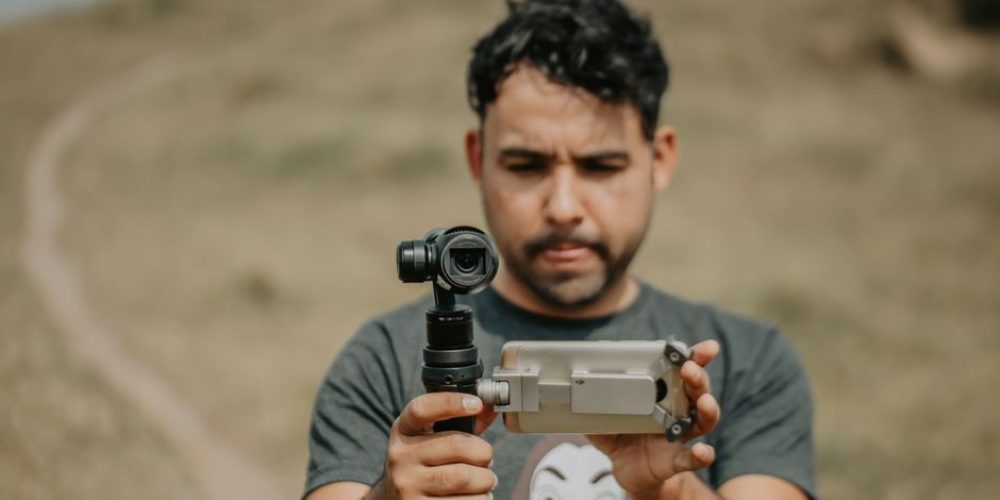
Vertical video used to be the thing cinematographers complained about. Now it’s a line item in almost every production brief. TikTok, Instagram Reels, YouTube Shorts, and Facebook Stories all default to 9:16 — and platforms actively reward content that was designed for that frame rather than cropped into it. If vertical is still an afterthought in your workflow, this guide will change that.
Why 9:16 Demands a Different Mindset
The jump from 16:9 to 9:16 is not simply a rotation. It is a fundamentally different compositional grammar. The horizontal frame rewards width — two-shots, wide establishing shots, lateral movement. The vertical frame rewards height — full-body movement from floor to ceiling, close-up faces, vertical architecture, and tall graphic space for text overlays. Every decision you make at the camera level should account for this difference.
The resolution math matters too. Cropping a standard 4K landscape frame (3840×2160) down to a true 9:16 slice keeps only about one-third of the original image — roughly a 1215×2160 center strip. You lose the left and right thirds of your image entirely, and any subject not dead-center gets cut off. That is not a crop; it is an amputation.
Native Capture vs. Crop-in-Post: Settle This First
The single most important decision in a vertical video workflow is whether to capture natively in 9:16 or shoot horizontally and crop. Both approaches are legitimate in the right context, but they require completely different pre-production thinking.
When to Shoot Natively Vertical
If TikTok, Reels, or Shorts is the primary destination for your content, shoot natively vertical. You get maximum resolution, intentional composition, and full control over what the audience sees. A 1080×1920 native capture at full HD gives you a clean, sharp image without any post-production guesswork.
Shooting natively also forces better discipline on set. You think about what fills the tall frame — foreground elements, vertical leading lines, negative space above and below a subject — rather than defaulting to a wide-side composition that will later be gutted in the edit.
When the Crop-From-Horizontal Approach Works
Events, corporate shoots, and documentary projects frequently need both a cinematic 16:9 master and social-ready verticals from the same footage. In that case, shoot horizontally in 4K or higher — keeping subjects centered and framing slightly looser than you normally would — and extract a 9:16 crop in post. Because you are going from 4K to 1080p-equivalent, you lose pixel count but not noticeable quality on mobile screens. This is the standard multi-format compromise, and it works when executed with intent.
The failure mode is shooting a carefully composed 16:9 frame with subjects near the edges and then trying to force it into 9:16 later. That always looks like what it is: an afterthought.
For more on how professional productions plan dual-format deliverables from a single shoot day, see how the team at Tone Production’s Houston video production service handles multi-platform campaigns.
Composition Rules Specific to the Vertical Frame
Re-Learn the Rule of Thirds Vertically
The rule of thirds still applies — but the grid rotates with the frame. In a 9:16 grid, the strong horizontal lines sit at roughly 640px and 1280px from the top. Placing a speaking subject’s eyes on the upper horizontal line (approximately 33% from the top) feels natural and leaves room below for captions and on-screen text. Placing them at dead-center works for tight close-ups, but in a medium or medium-wide shot it can read as static.
Headroom, Footroom, and the Text Zone
Platform UI elements eat your frame. On TikTok and Reels, the username, caption, and action buttons consume the bottom 20–25% of the screen. On TikTok specifically, the right edge is taken up by the like, comment, and share icons. Keeping important visuals, text overlays, and calls-to-action inside the safe zone — roughly between 15% and 75% of screen height, centered horizontally — is non-negotiable. Anything outside that band risks being hidden behind platform chrome.
- Top 10–15%: Reserved for platform headers. Leave it clean.
- 15%–75% (center band): Your primary action zone. Subjects, products, key motion.
- 75%–85%: Lower-third text and captions sit here safely.
- Bottom 15–20%: Avoid placing anything critical here.
- Right 10–15%: On TikTok, interaction icons live here. Keep this margin clear.
Use Vertical Leading Lines
The vertical frame is tall enough to use architectural lines in a way that horizontal shots almost never can. Staircases, doorframes, street lamps, tall windows, and trees can run the full height of the frame, creating genuine depth and visual motion. This is one area where 9:16 genuinely outperforms 16:9 — lean into it.
Close-Ups Perform Better
The narrow vertical frame naturally draws attention to a single subject. Tight and medium-close shots feel appropriately intimate and fill the frame purposefully. Wide shots, by contrast, tend to look awkward in 9:16 — the subject becomes small and surrounded by empty space that the tall frame cannot fill meaningfully. When you need to establish a location, use a brief vertical pan or tilt rather than a static wide.
Lens Selection for 9:16
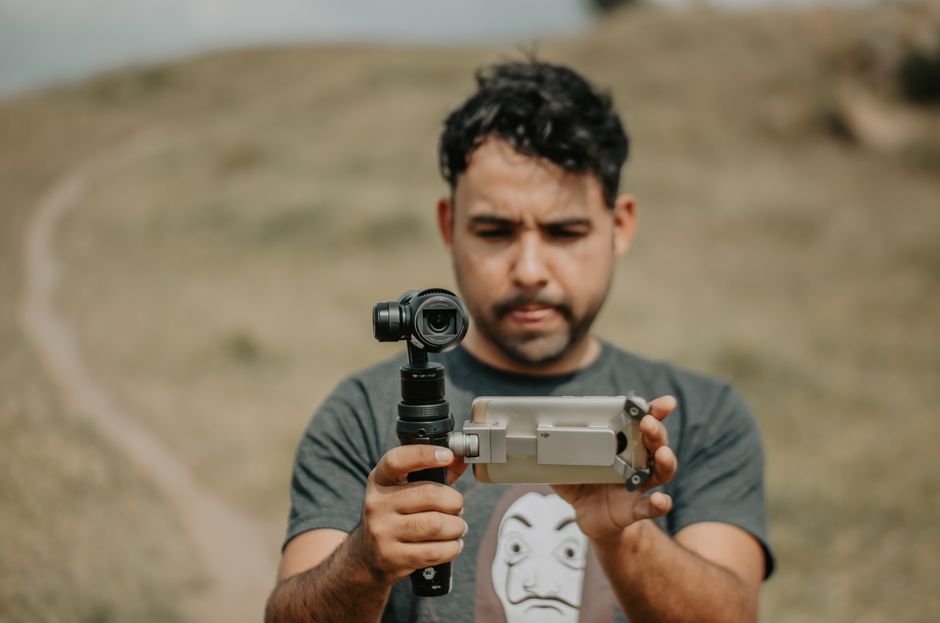
This is where vertical video gets technically interesting. When you rotate a camera to shoot natively vertical, the effective field of view changes dramatically. A 35mm lens on a full-frame sensor that reads as a “normal” horizontal lens now shows a narrow sliver of vertical space. To achieve anything resembling a wide establishing shot in vertical orientation, you typically need to reach for a 16mm–24mm lens. Wider lenses also create the additional challenge of keeping lighting rigs, reflectors, and crew out of the now-expanded vertical field of view.
For interview-style talking-head content — one of the most common vertical formats — a 50mm–85mm lens on a full-frame body at a modest working distance still delivers a flattering medium close-up. The vertical frame cuts the sides, so the natural background compression of a longer lens works in your favor.
Camera Orientation: Rotating Your Cinema Camera
Smartphones handle vertical natively. Cinema cameras do not — they require a rotated rig. If you are putting a mirrorless or cinema camera on its side, account for:
- Monitor orientation: Most external monitors can rotate their display 90°. Set this before you shoot, not after.
- Gimbal balance: Re-balancing a gimbal for a sideways camera requires its own configuration — axis limits and motor tuning change when the camera rolls 90°.
- Metadata: Some cameras write orientation metadata that editing software reads; others do not. Test your camera-to-NLE pipeline before a paid shoot.
If your project demands a high-end vertical look — think brand campaigns and product launches — a professional crew will plan rig configurations in pre-production. The Atlanta video production and New Orleans video production crews at Tone Production handle rotated cinema-camera rigs as a standard part of social-first campaign builds.
Lighting for the Vertical Frame
Wider lenses required by the vertical frame mean lighting equipment enters the expanded field of view faster than you expect. Standard strategies include:
- Moving key lights further back and compensating with higher-output fixtures or wider apertures.
- Using overhead rigs or bounce from the ceiling rather than side-placed softboxes that now risk entering frame.
- For run-and-gun vertical content, a compact on-camera LED panel or a small bi-color panel on a boom overhead keeps the sides clear.
Export and Delivery Specs
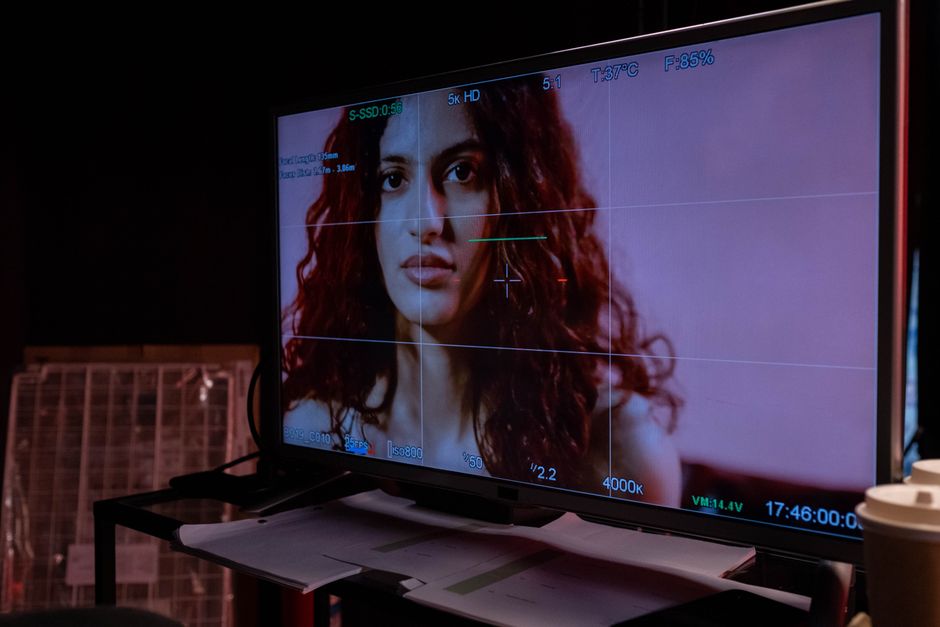
Get the sequence settings right before you edit. The standard vertical video spec across TikTok, Instagram Reels, and YouTube Shorts is 1080×1920 pixels at 23.976, 25, or 30fps. For premium or future-proofed deliverables, 2160×3840 (4K vertical) is the native vertical 4K spec — though all three major platforms apply heavy compression regardless of upload resolution. For most distribution purposes, 1080×1920 at 8–12 Mbps in H.264 or H.265 hits the right quality-to-file-size balance. Use .MP4 or .MOV container formats for broadest compatibility.
If your editing software has vertical presets built in — DaVinci Resolve, Premiere Pro, and Final Cut Pro all do — use them and save them as named presets so the setting is never accidentally wrong mid-project.
The Dual-Camera Workflow for Events and Brand Shoots
One practical solution for shoots that need both a cinematic master and social-ready verticals: run two cameras simultaneously. A primary cinema camera captures the traditional 16:9 master for broadcast, website, and long-form use. A secondary camera — a smartphone on a tripod or a mirrorless body in a vertical rig — captures native 9:16 angles specifically for social. This approach is common in event coverage and product launch shoots, and it eliminates the compromise of trying to serve both formats from a single crop.
For productions across the Gulf Coast and Southeast, Tone Production regularly builds dual-format deliverable packages into commercial and brand campaign briefs — so clients receive both a cinematic cut and platform-ready social assets from a single shoot day. Teams in markets like Tampa and Jacksonville frequently request this format-first approach for retail and hospitality clients.
Key Takeaways: Vertical Video Done Right
- Shoot natively vertical whenever 9:16 platforms are the primary destination.
- If cropping from horizontal, shoot 4K and keep subjects centered and loose.
- Respect safe zones — platform UI will cover the top, bottom, and right edges.
- Use wider lenses natively; account for the expanded field of view when placing lights and crew.
- Apply the rule of thirds vertically, with eyes on the upper third for talking-head content.
- Export at 1080×1920, H.264/H.265, 8–12 Mbps for standard delivery.
- Run dual cameras on multi-format shoots rather than forcing a single crop to serve every platform.
Vertical video is not a degraded version of “real” filmmaking. It is a distinct format with its own compositional logic, technical demands, and audience behavior. The brands and creators who treat it as a first-class deliverable — planned for in pre-production, shot with intentional framing, and delivered to spec — consistently outperform those who bolt it on in post. Start with the frame, not the crop.
If you would rather hand this off to a crew that builds vertical-first workflows into every production — Benjamin Tone and the team at Tone Production handle the full pipeline, from pre-production framing strategy to final social deliverables. Reach out when you’re ready to make vertical video a real part of your content strategy.
Frequently Asked Questions
Should I shoot vertical video natively or crop from horizontal footage?
Shoot natively vertical whenever 9:16 platforms are your primary destination. Native capture gives you maximum resolution, intentional composition, and full creative control. Cropping a 16:9 frame down to 9:16 retains only about one-third of your original image — workable if you shoot 4K and keep subjects centered, but never as clean as a purposefully framed vertical shot.
What are the correct dimensions for vertical video in 2026?
The standard is 1080×1920 pixels (Full HD vertical) at a 9:16 aspect ratio. For premium or future-proofed content, 2160×3840 (4K vertical) is the native 4K spec. Most platforms, including TikTok, Instagram Reels, and YouTube Shorts, apply heavy compression on upload, so 1080×1920 at 8–12 Mbps in H.264 or H.265 is the practical sweet spot for quality and file size.
What are safe zones in vertical video and why do they matter?
Safe zones are the areas of the 9:16 frame that remain visible to the viewer after platform UI elements — usernames, captions, like buttons, share icons — are overlaid on the video. On TikTok, the bottom 20% and right 10–15% are covered by interface elements. Keeping critical subjects, text, and graphics within the central band (roughly 15%–75% of screen height, horizontally centered) ensures nothing important is hidden by the app’s interface.
What lenses work best when shooting native 9:16 vertical video?
When rotating a cinema camera to shoot vertically, a lens’s effective horizontal field of view becomes the vertical field of view. This means you typically need wider focal lengths — 16mm to 24mm on a full-frame sensor — to achieve anything resembling a wide shot. For talking-head or interview content, a 50mm–85mm still delivers a flattering medium close-up because the frame crops the sides naturally.
Do platforms really prioritize native vertical video in their algorithms?
Yes. TikTok, YouTube Shorts, and Instagram Reels all favor natively shot vertical content in their recommendation systems. Vertical-first content consistently shows higher completion rates and engagement compared to cropped or pillarboxed horizontal video. Building vertical as a primary output — not an afterthought — directly impacts discoverability and performance.
Can I shoot vertical video with a cinema camera, or is this just a smartphone format?
Cinema cameras absolutely can be used for native 9:16 production — they are rotated 90° on a dedicated vertical rig. This requires reconfiguring gimbal balance, rotating the external monitor display, and verifying that orientation metadata is written correctly for your editing pipeline. For brand campaigns and commercial content, a cinema camera in a vertical rig produces results that far exceed smartphone quality.
How do I handle a project that needs both a 16:9 master and vertical social cuts?
The cleanest solution is a dual-camera setup: one camera captures the 16:9 cinematic master, and a second camera — a smartphone or mirrorless in a vertical rig — shoots native 9:16 angles simultaneously. This eliminates the quality and composition compromises of forcing a single crop to serve every format, and it is the standard approach for events, product launches, and brand campaigns with multi-platform deliverable requirements.