

A single-location shoot is a puzzle. A multi-location shoot day is three puzzles happening simultaneously, and the pieces from one can absolutely end up ruining another. Moving a crew, a full camera package, lighting, sound, and possibly drone gear between two or more sites in a single day is one of the most logistically demanding things a production team can attempt. Get it right and the footage is rich, varied, and efficient. Get it wrong and you spend half the day in transit, miss golden-hour windows, and wrap without the shots you needed.
This guide is a practical, field-tested breakdown of how to plan a multi-location shoot day from first concept through final data backup — written for videographers, producers, and brand teams who want a repeatable system rather than a lucky guess.
Start With a Location-by-Location Shot Audit
Before you open a scheduling app, list every single shot or scene tied to each location. Group them ruthlessly. The goal is to guarantee that when you leave a location, you are done with that location — no return trips, no “we’ll grab that later.”
For each location, document:
- The exact address and access point — not just “the warehouse” but the loading dock entrance on the north side of the building.
- Estimated setup time — lighting rigs, audio checks, and camera builds all take longer on an unfamiliar site.
- Wrap and strike time — often underestimated, especially with larger packages.
- Hard deadlines — permits expiring, access windows closing, or natural light you cannot recreate.
Once every shot is mapped to a location, you can see your actual shooting day. Most teams discover they have half the time they thought they did.
Scout Every Location Before Shoot Day
Scouting is non-negotiable. It reveals the size and layout of the space, natural light conditions as the sun moves through the day, and sound considerations like nearby elevators or hard surfaces that cause echo — problems that are invisible on a map but devastating on camera.
If an in-person scout is not possible, a virtual option works. A team member at that location can lead a virtual tour via video call, letting the production team grasp the space and get questions answered in real time. Supplement this with photos, measurements, and a room layout sketch. Whatever form it takes, scouting is an essential part of the pre-production process that no well-run shoot skips.
For outdoor locations, note exactly where the sun falls at your planned shoot times. By putting time and attention into pre-production, you can often solve lighting problems simply by picking the correct time of day to shoot — no additional fixtures needed.
Build the Schedule Around the Locations, Not the Clock
Lead With Your Most Demanding Site
Put your most complex or light-sensitive location first while crew energy is highest and you still have schedule slack to absorb overruns. Slot your biggest, most demanding sequences between simpler setups so momentum is maintained and no single segment burns out the team. Exterior golden-hour shots belong on the call sheet with a hard time, not “whenever we get there.”
Plan Company Moves Like Their Own Production
Juggling multiple shoot locations means more than just moving gear — it requires precise coordination. A “company move” is the formal term for the transition between locations, and it needs its own time block on your schedule. Account for:
- Load-out and vehicle packing
- Transit time with real-time traffic added as a buffer
- Parking, access, and load-in at the next site
- A full camera, audio, and lighting re-setup
Use real-time traffic apps like Google Maps or Waze for live road updates, and schedule move windows during less-congested parts of the day where possible — early morning or post-rush-hour midday moves are almost always faster than you expect, while late-afternoon moves in urban areas almost always take longer.
Run Parallel Setup With a Split Crew
On larger shoots, splitting into an A team and a B team eliminates dead time. When the A team is shooting one thing, the B team sets up the next shot at the next location so production never has to stop completely for setup or strike between sites. This only works if the creative and logistical prep is thorough — a parallel-crew strategy with a weak shot list creates chaos, not efficiency.
Build a Bulletproof Call Sheet for Each Location Block

A well-planned call sheet becomes your crew’s lifeline when every minute counts. For multi-location days, a single call sheet is not enough — structure it with a clearly delineated block for each location. Each block should include:
- Full address with access instructions — not just the venue name but the specific entrance, parking, and any code or contact needed to get in
- Location-specific call times — crew, talent, and any location contact
- Scene list and priority order for that block
- Gear list specific to that site (not every item travels between all locations)
- Weather forecast and backup plan for outdoor sites
- Wrap time and move window before the next location
Call sheets typically reach recipients the evening before the shoot day, giving everyone adequate prep time — especially important when multiple sites are involved and crew members may need to pre-position themselves.
Permits, Insurance, and Location Agreements
Each location on a multi-location day may carry its own legal requirements. Plan for enough lead time to apply for permits and pay any fees associated with filming at each specific location. For private sites, a written agreement with the property owner or manager helps ensure that filming activities, timing, and needs are clearly defined — and avoids misunderstandings on shoot day.
Filming across multiple locations increases the risk of accidents, property damage, or theft, and you need the right insurance to cover your production. General production liability insurance is standard; confirm it extends to every site on your itinerary before day one.
If aerial footage is part of any location’s shot list — common for establishing shots and location transitions — your drone operator must hold FAA Part 107 certification and obtain any site-specific airspace authorization well in advance. At Tone Production, every aerial sequence is handled by a certified Part 107 team, and authorization is locked down during pre-production, not on the morning of the shoot.
Gear Packaging: What Goes Where
Multi-location days punish disorganized gear cases. Build a labeled manifest for each vehicle or case: what is in it, which location it is needed at, and who is responsible for it. Color-code cases by location if your shoot involves three or more sites. Common mistakes include:
- Leaving a key lens in the first location’s staging area
- Forgetting to move a dedicated audio kit from vehicle to set
- Assuming someone else struck the light stands
A physical checklist per location — signed off by a designated crew member before departure — eliminates almost all of these. Some locations may even allow you to load in the night before the shoot, which removes the morning scramble entirely when permitted.
Field Data Management: Protect What You Shoot
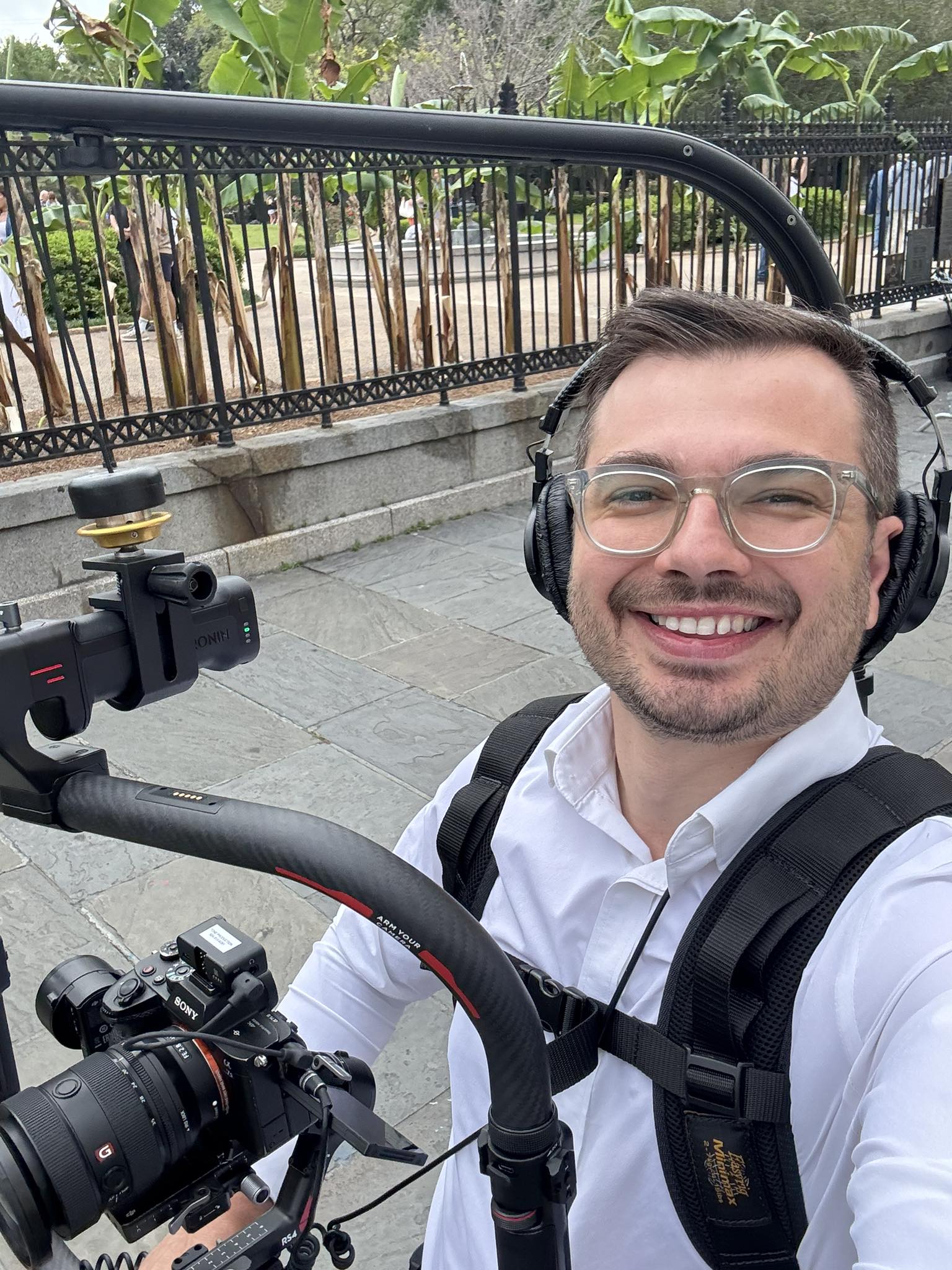
With multiple locations generating footage throughout the day, data management cannot wait until wrap. Back up footage at the end of every shoot day to at least two separate drives — one stored on-site and one off-site or in the cloud. Label every card and drive by scene, location, and date as you shoot. Never wipe cards until you are confident the data is safely stored elsewhere. Drives are cheap. Re-shooting three locations is not.
On high-volume days, assign a dedicated DIT (Digital Imaging Technician) whose only job is ingesting, verifying, and labeling footage between location moves. This keeps creative crew focused on shooting while ensuring nothing critical is lost in transit.
For clients who need multi-location work that holds together visually from first site to last — consistent exposure, matching color temperature, and coherent visual style — the 8K RAW cinema workflow used across Tone Production’s Houston shoots and Atlanta projects provides the latitude in post to unify footage shot under wildly different conditions across a single day.
Pre-Production Communication Across All Sites
Before cameras roll, host virtual pre-shoot meetings with each location contact or local crew to walk through the schedule, objectives, and creative expectations. This surfaces problems — a loading dock that closes at noon, a background noise source no one mentioned — before they become shoot-day emergencies.
Tools like Asana, Trello, or Monday.com help organize tasks, assign responsibilities, and monitor progress from a single dashboard when coordinating across multiple sites. Create a board for each location with checklists covering gear delivery, setup times, permit status, and talent holding areas. Transparency across locations improves accountability and ensures fewer things fall through the cracks.
Wrapping a Multi-Location Shoot Day
At final wrap, do a physical location check before releasing any site — forgotten batteries, left-behind light modifiers, and unsigned location release forms are all common. Consolidate all media to a single staging area, run your final backup, and compare your shot list against your footage log. If anything is missing, you still have the opportunity to discuss a reshoot before the crew disperses.
Productions serving clients across regional markets — from New Orleans to Jacksonville — often fold multi-location single-day shoots into a larger batched content strategy, capturing brand assets across several markets in one efficient trip. That approach multiplies the value of every hour in the field.
A multi-location shoot day is high-risk, high-reward. The shot list, the call sheet, the permit stack, the gear manifest, and the data pipeline all have to function as one system. When they do, you walk away with a content library that no single-location day could match.
Frequently Asked Questions
How many locations can realistically be covered in a single shoot day?
Most professional crews can execute two to three distinct locations in a 10–12 hour day, depending on setup complexity, company move time, and shot volume at each site. Attempting four or more locations without a split crew and parallel setup strategy almost always results in rushed shots or missed coverage at the final site.
How do you keep visual consistency across multiple locations shot in a single day?
Consistency starts in pre-production. Agree on a color temperature target (typically 5600K for daylight-matched looks), carry a standard lighting kit to supplement or override ambient light at each site, and shoot in a flat log profile or RAW format so color grading can unify footage from varied environments in post. A single cinematographer or DP overseeing all locations also helps maintain consistent framing style and exposure decisions.
What should a call sheet include for a multi-location shoot?
Each location block in your call sheet should include the full address with specific access instructions, location-specific call times for crew and talent, a scene and priority list, a site-specific gear list, weather forecast and contingency for outdoor sites, and a hard wrap and move window. Send it to all crew the evening before so everyone arrives prepared.
How much buffer time should you build between locations?
A general rule is to add 30–50% to your estimated transit time to account for load-out, parking, traffic, and load-in at the next site. For urban locations with unpredictable traffic, lean toward 50%. Build at least one additional 15-minute flex buffer into the overall day schedule to absorb small overruns without cascading delays.
Do you need separate permits for each location on the same shoot day?
Yes. Permits are location-specific and sometimes jurisdiction-specific. A public park, a city sidewalk, and a private rooftop can each require different permits from different agencies, even if they are within a few blocks of each other. Confirm permit requirements for every individual site during pre-production and factor approval lead times — which can range from 24 hours to several weeks — into your project timeline.
How should footage be managed across multiple locations in a single day?
Label every card and drive by scene, location, and date as you shoot. Back up footage between location moves where time allows, and perform a full backup to two separate drives at end of day. Never format a card until the backup has been verified. On high-volume days, a dedicated DIT who manages ingest and labeling between moves keeps the camera team focused on shooting.
Which areas does Tone Production serve?
Tone Production is a full-service video production company and creative agency with locations in 30 cities across 12 states, and we are still growing. We serve: Louisiana (New Orleans, Baton Rouge, Shreveport, Lafayette, Lake Charles, Covington); Alabama (Birmingham, Huntsville, Mobile, Auburn, Montgomery); Florida (Jacksonville, Tampa, Orlando, Destin, Pensacola); Texas (Houston, Beaumont, Waco, Corpus Christi); Colorado (Denver, Aspen); Mississippi (Jackson, Hattiesburg); Arizona (Scottsdale); Arkansas (Little Rock); Georgia (Atlanta); Illinois (Chicago); South Carolina (Charleston); Tennessee (Memphis).