
You press record, play back the clip, and the image looks washed out — flat, desaturated, almost broken. If you’ve ever shot in a Log profile for the first time, that moment can feel like a mistake. It isn’t. That flat image is exactly what a professional color grade is built from, and understanding why is one of the more useful technical leaps you can make as a video producer.
This guide breaks down the real difference between Log and Rec 709, explains what each format does to your sensor data, and gives you a clear framework for deciding which one to use on any given project.
What Rec 709 Actually Is
Rec 709 (formally ITU-R BT.709) is the globally standardized color space for HD video. It defines a specific gamma curve, a color gamut, and a set of tonal values that correspond to what a calibrated HD monitor displays. When your camera records in Rec 709, it is processing the raw sensor data and baking a finished-looking image directly into the file.
The result is footage that looks correct immediately on playback — accurate contrast, natural saturation, colors that match what you saw on set. That is genuinely useful. Rec 709 simplifies the workflow because the footage is already close to a deliverable state. You can make basic exposure and white balance tweaks in post, but the image is designed for immediate output and viewing on standard screens.
The trade-off is latitude. Because the camera has already made tonal decisions — compressing highlights, lifting shadows, boosting contrast — there is limited room to push the image further in post without introducing noise, banding, or clipping. What you see is close to what you get, for better or worse.
What Log Actually Is
Log (short for logarithmic) is a recording gamma that redistributes tonal values across the sensor’s full dynamic range. Instead of applying a finished look, the camera captures as much information as possible from the darkest shadows to the brightest highlights, compressing it all into a flat, low-contrast, desaturated file.
The flat appearance isn’t a flaw — it’s the point. That low-contrast image is preserving detail in areas that Rec 709 would clip or crush. When you bring the footage into a color grading application and apply corrections, you’re working with far more tonal information than a Rec 709 file contains.
Every major camera manufacturer names their Log profile differently: Sony uses S-Log2 and S-Log3, Canon uses C-Log and C-Log3, Panasonic uses V-Log, ARRI uses LogC, and Nikon uses N-Log. The underlying principle is the same across all of them — record flat to preserve latitude, grade in post to build the final image.
The Core Difference: Latitude and Post-Production Control
Dynamic Range and Highlight Recovery
The most significant practical difference between Log and Rec 709 is dynamic range. Log preserves far more tonal information in the shadows, midtones, and highlights than a Rec 709 recording. That extra data means color correction is smoother — you have real headroom to recover blown highlights or lift crushed shadows without the image falling apart.
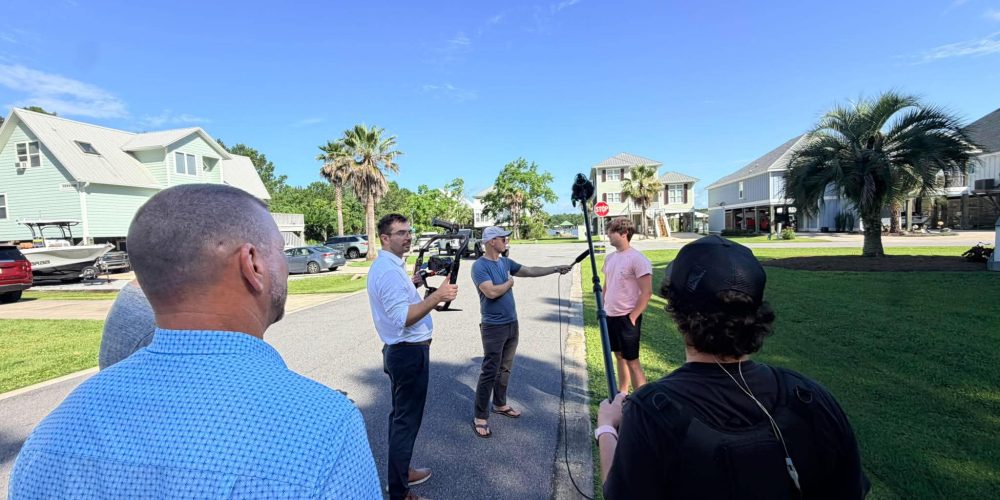
In a scene with harsh sunlight and deep shadow — think an outdoor interview, an architecture walkthrough, or a run-and-gun documentary — a Rec 709 file may clip the sky and lose shadow detail simultaneously. The same scene shot in Log gives you data in both regions that can be recovered and balanced in DaVinci Resolve, Premiere Pro, or Final Cut Pro.
Creative Grading Headroom
Beyond technical correction, Log footage gives colorists significantly more room for creative grading. Because Log footage starts flat and desaturated, it provides a clean canvas for stylized grades that would be difficult or impossible to pull off from Rec 709 footage without introducing noise or banding. Aggressive color shifts, high-contrast cinematic looks, and split-toning techniques all work more cleanly when the source material has wide tonal separation to begin with.
Rec 709, by contrast, requires a more conservative approach. The color decisions are already partially made, so heavy grading tends to show its seams quickly.
Bit Depth Matters More Than You Think

Shooting Log in 8-bit is a setup for frustration. 8-bit video can represent around 16 million colors, while 10-bit video can represent over one billion. That additional bit depth makes color correction and grading significantly cleaner — you can push curves and saturation without banding or posterization appearing in gradients and skin tones.
If your camera supports 10-bit recording, always pair it with Log. If you’re limited to 8-bit internally, consider an external recorder, or weigh whether Rec 709 might actually serve you better on that particular job. Log in 8-bit throws away some of the latitude advantage Log is supposed to provide.
Monitoring on Set: The Preview LUT Solution
One of the most common problems new Log shooters run into is exposure. Because the image on the monitor looks flat and low-contrast, it’s hard to judge whether you’re actually exposing correctly. The standard solution is to apply a preview LUT on your monitor — a technical look-up table that converts the displayed image to Rec 709 so you can see the full range of colors and contrast at the time of filming. Critically, this look isn’t burned into your recording. The file stays flat and ready for grading.
Most cinema monitors and many EVFs support this. External monitors from Atomos, SmallHD, and similar brands have built-in LUT capability specifically for this purpose. Use your waveform and histogram — don’t trust the LCD alone, especially with Log footage where the flat gamma makes highlights look deceptively safe.
At Tone Production, every shoot uses calibrated monitoring to ensure Log footage is exposed correctly before a single frame hits the grading suite — because you cannot recover what wasn’t captured in the first place.
LUTs in Post: Technical vs. Creative
Once Log footage is in the edit, the first step is applying a technical LUT — a conversion that transforms the Log color space into Rec 709 as a neutral starting point. This is the “normalization” step. From there, creative grading builds the final look.
For Log footage, 3D LUTs are strongly preferred over 1D LUTs because they map all three color channels simultaneously, preserving subtle gradations across the full tonal range. In Premiere Pro, use the Input LUT slot in the Lumetri Color panel for technical conversions; apply creative LUTs through the Creative section so you can control intensity separately.
In DaVinci Resolve, the standard node-based approach places the technical conversion LUT on the first node, with all creative work happening downstream — giving you full control over the grade without contaminating the color space transform.
When to Use Each Format
Choose Log When:
- You have a dedicated colorist or grading time budgeted into post-production
- The scene has challenging, mixed, or high-contrast lighting
- You’re shooting with multiple cameras and need consistent matching in post
- The final deliverable demands a specific cinematic look or heavy grade
- Your camera supports 10-bit recording
Choose Rec 709 When:
- The project has a tight turnaround with minimal post time
- You’re delivering content for live streaming or broadcast without a grading step
- Lighting conditions are controlled and consistent throughout the shoot
- You’re shooting 8-bit only and Log latitude won’t be fully preserved
- A client needs camera-ready footage delivered the same day
The teams at Tone Production Houston and Tone Production Atlanta navigate this choice on nearly every commercial and corporate production — and the answer varies by project, not by personal preference.
Multi-Camera Consistency: A Practical Warning
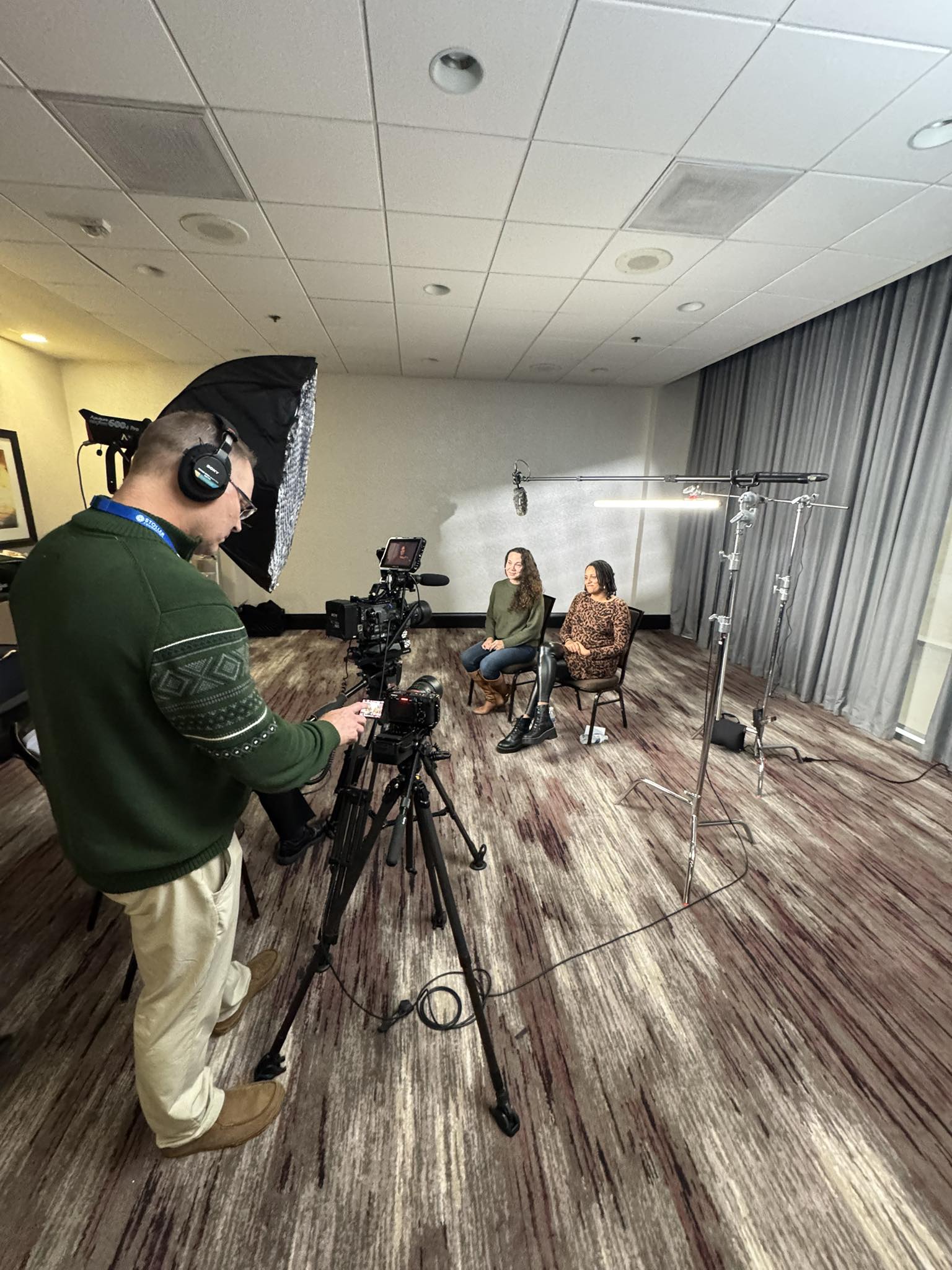
If you’re running multiple cameras on a shoot, never mix Log and Rec 709 across cameras. Matching clips from different color spaces in the edit is far harder than it sounds, and you’ll be forced to limit the Log footage to the ceiling of what the Rec 709 clip can do — losing the dynamic range advantage you were trying to preserve. Set every camera to the same color profile before you roll.
The Grading Workflow in Brief
A clean Log-to-delivery workflow follows a consistent order:
- Apply the technical LUT or color space transform to normalize Log to Rec 709
- Color correct — fix exposure, white balance, and contrast to a neutral starting point
- Color grade — apply the creative look, LUT, or scene-by-scene adjustments
- Export to the delivery color space — Rec 709 for web and broadcast, or DCI-P3/HDR if the platform supports it
Productions handled by Tone Production New Orleans and Tone Production Tampa follow this structured workflow on every project to ensure consistent, client-ready results regardless of shooting conditions.
The Bottom Line
Log and Rec 709 aren’t competing philosophies — they’re tools with different jobs. Rec 709 is optimized for speed and simplicity. Log is optimized for control and quality. The right choice depends on your project’s lighting, your post-production resources, your camera’s bit depth, and your delivery deadline. Master both, understand when each one serves the work, and your footage will be more gradeable, more consistent, and more professional regardless of which you reach for.
If this workflow sounds like a lot to manage on top of an actual shoot, that’s because it is — and it’s exactly the kind of decision a skilled production team handles before the camera even rolls.
Frequently Asked Questions
What is the main difference between Log and Rec 709?
Log is a flat, low-contrast recording profile designed to preserve maximum dynamic range for post-production color grading. Rec 709 is a finished color space with contrast and saturation baked in, designed for immediate viewing on standard monitors. Log gives you more creative control in post; Rec 709 gives you a faster path to delivery.
Does shooting in Log reduce image quality?
No — it preserves more image data, not less. The flat appearance is a result of compressing a wider tonal range into the file. When properly graded, Log footage can produce a cleaner, more detailed final image than Rec 709, especially in high-contrast scenes. The key is pairing Log with 10-bit recording and a proper color grade in post.
Can I shoot Log with any camera?
Not all cameras support Log profiles. Entry-level consumer cameras typically shoot Rec 709 only. Mid-range mirrorless cameras from Sony, Canon, Panasonic, and Fujifilm often include Log options, while cinema cameras almost always do. Check your camera’s picture profile or gamma settings to confirm whether a Log option is available.
Do I need expensive software to grade Log footage?
No. DaVinci Resolve, which is free in its standard version, is one of the most capable professional color grading tools available and handles Log footage from every major manufacturer. Adobe Premiere Pro and Final Cut Pro also support Log grading with LUT application built into their color correction tools.
What is a LUT and how does it work with Log footage?
A LUT (Look-Up Table) is a mathematical conversion table that remaps color values in your footage. A technical LUT converts Log footage to a viewable Rec 709 starting point. A creative LUT applies a stylized look on top of corrected footage. For Log footage, 3D LUTs are preferred because they map all three color channels simultaneously and handle the full tonal range more accurately than 1D LUTs.
Should I always shoot Log if my camera supports it?
Not necessarily. Log requires dedicated post-production time and 10-bit recording to deliver its advantages. For live streaming, same-day turnaround, or controlled-lighting situations with no grading step, Rec 709 is often the smarter choice. Log is the right call when you have challenging lighting, a grading workflow in place, and the bit depth to support it.
What does “expose to the right” mean when shooting Log?
Exposing to the right means placing your exposure slightly brighter than you might for Rec 709 — pushing the histogram toward the right side without clipping highlights. Because Log footage looks flat on screen, it’s easy to underexpose. A slightly brighter exposure preserves more shadow detail and reduces noise when the grade brings exposure back down. Always monitor with a waveform, not just the camera LCD.
Huntsville Video Production Company: Aerospace and Defense Product Video Without Revealing IP
Baton Rouge Video Production Company: How to Make Employee Training Videos People Actually Finish